Your agent already knows your Git. Let it know your head.
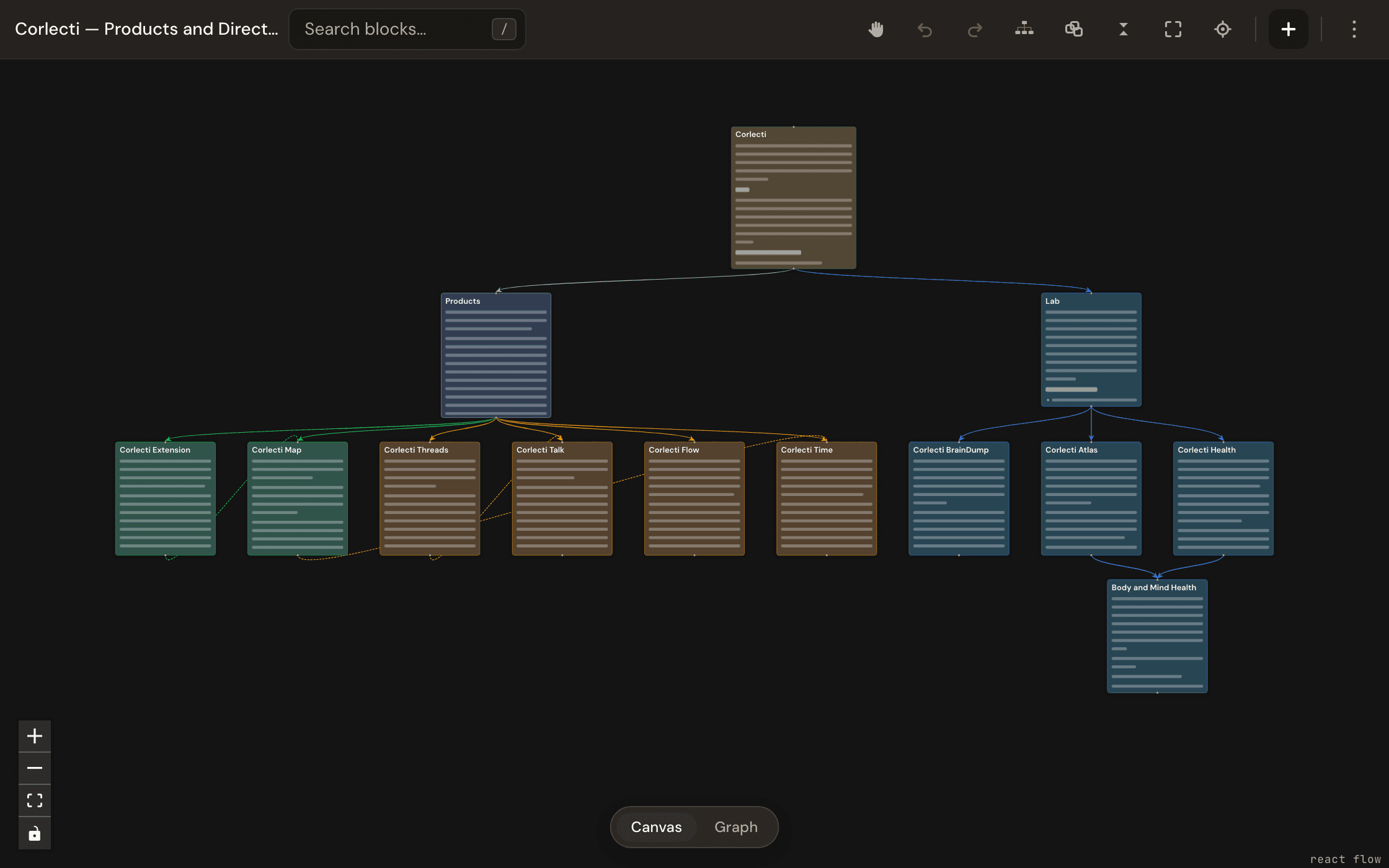
Everything you know — in one place, in any form. Your agent writes it into one map from its own session, so you don't have to. You see the map as a canvas of your notes, joined by connections.
Works with Claude Code, Cursor, Claude Desktop, claude.ai and any MCP client.
situations
What else goes on a map?
Five situations, a map for each.
01Career
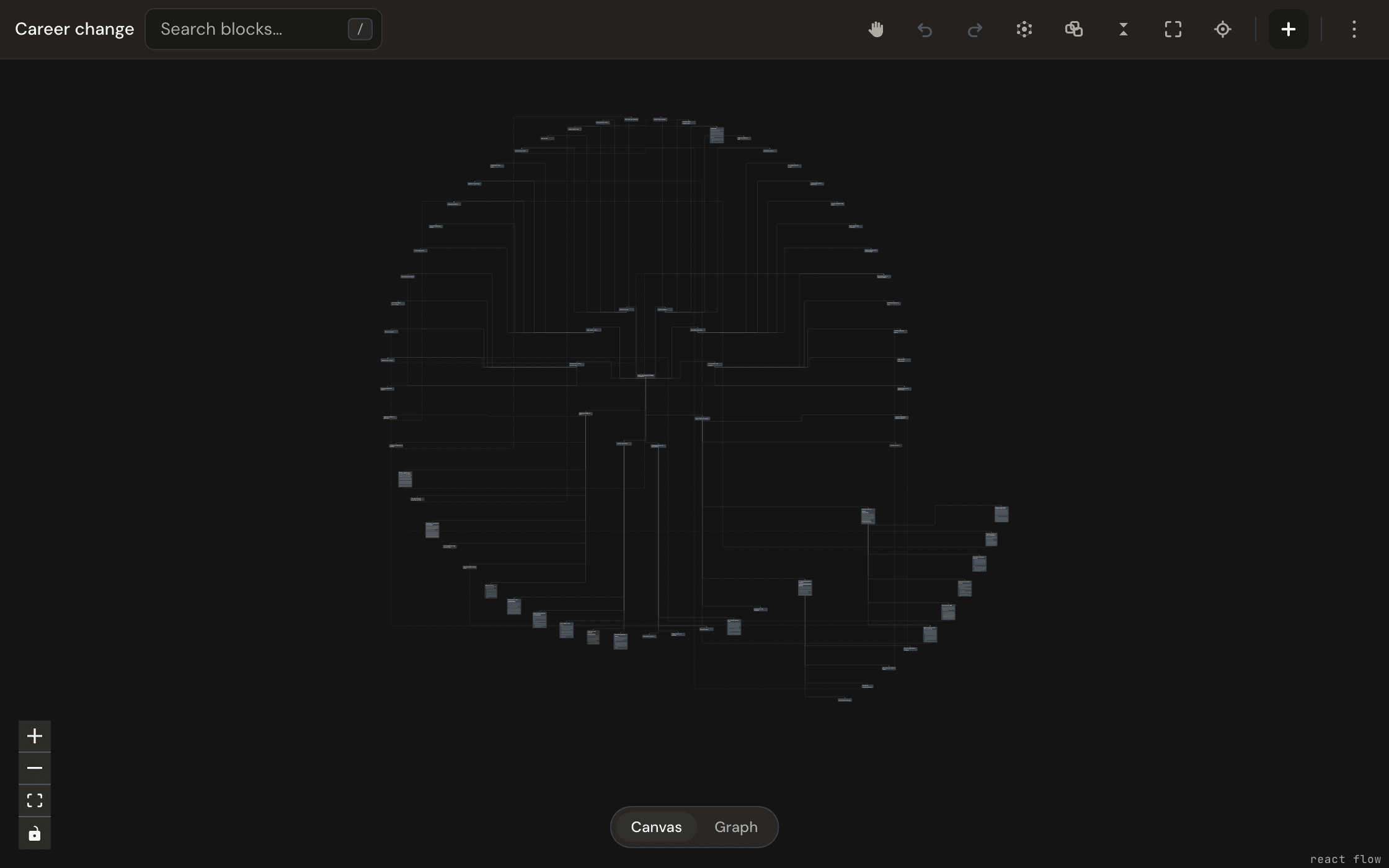
Leaving legacy PHP for agentic engineering: the whole plan, built in one chat.
02Research
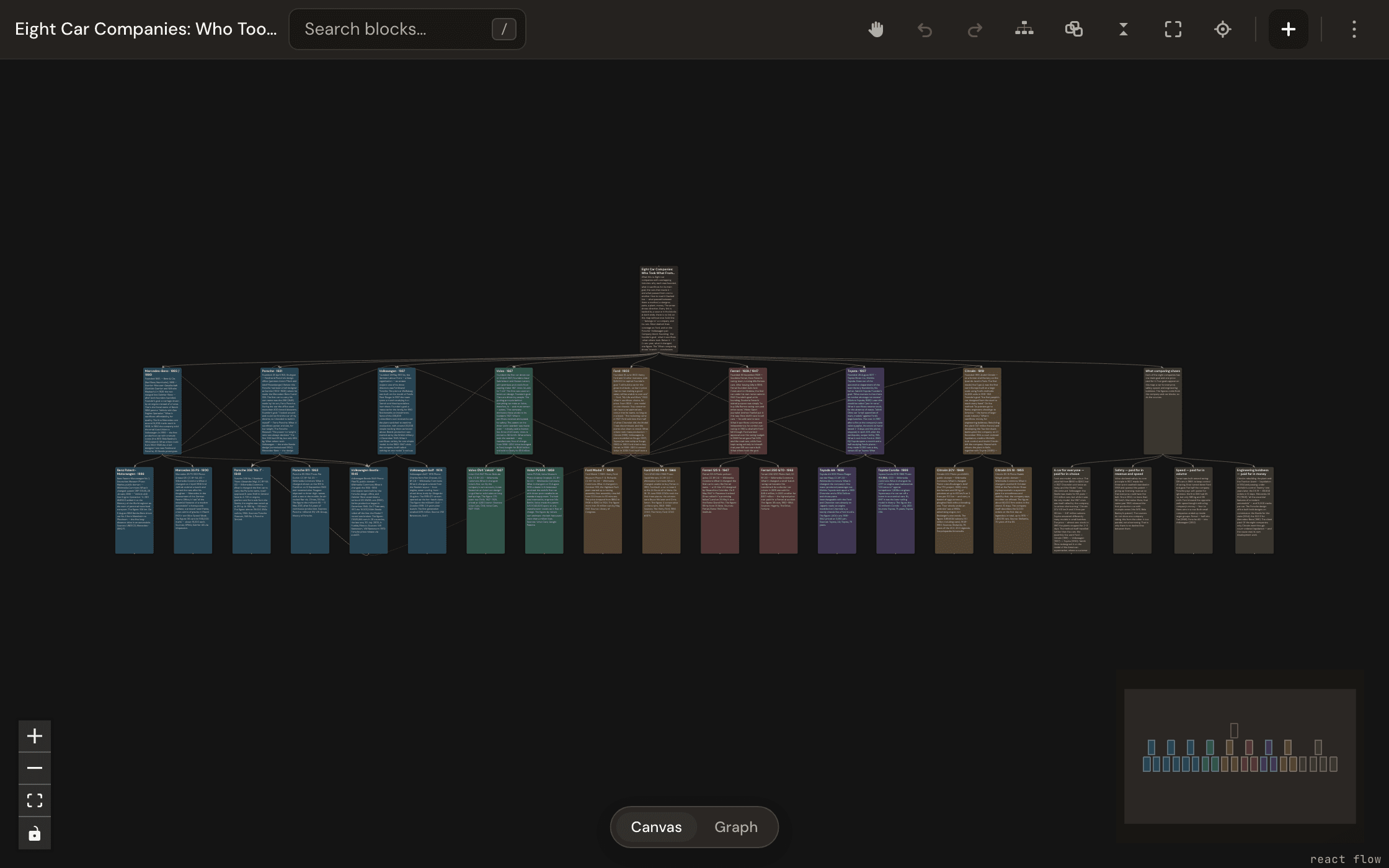
Eight car companies, linked by what each took from another.
03Diary
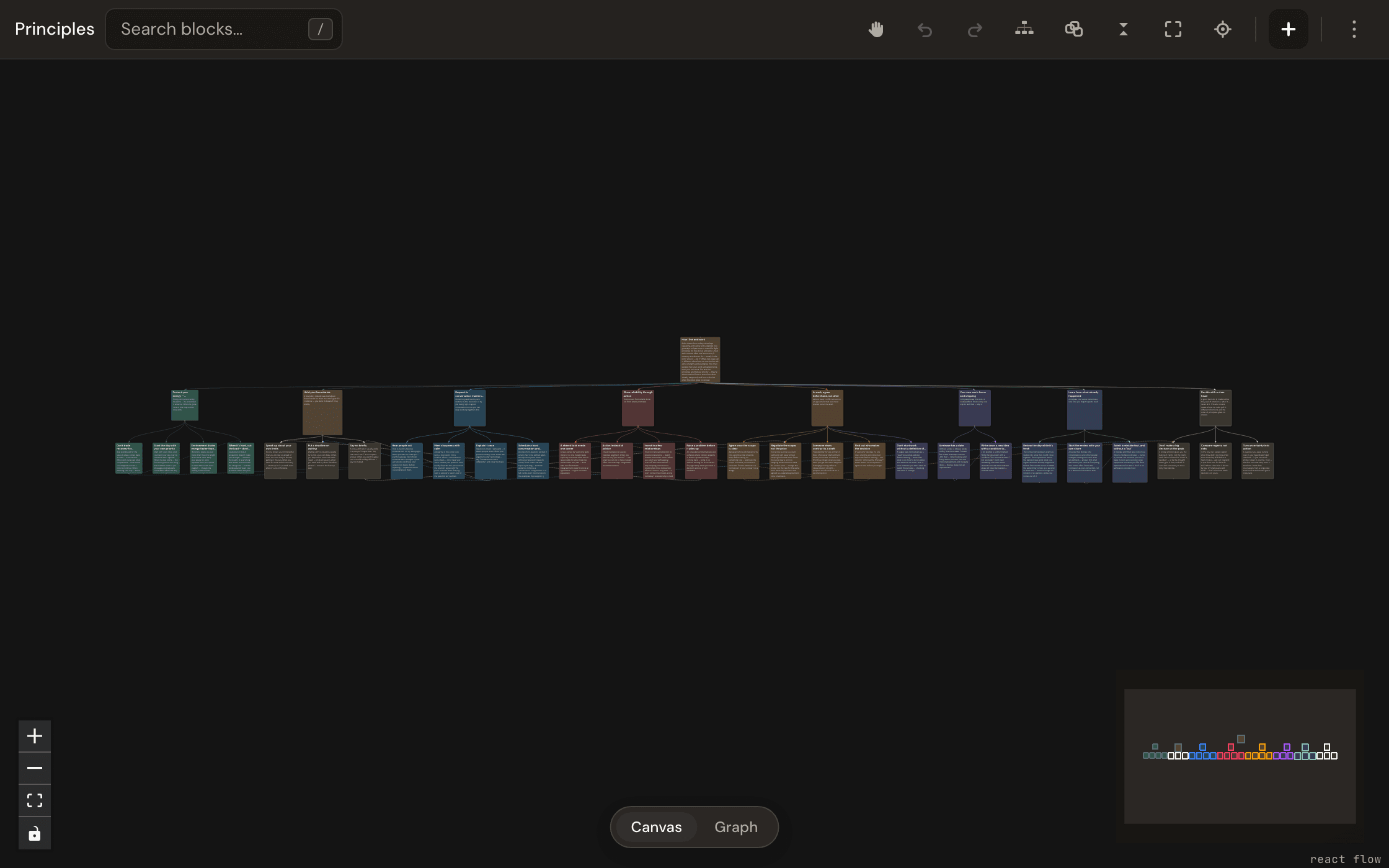
A diary, added up: eight principles, short rules under each.
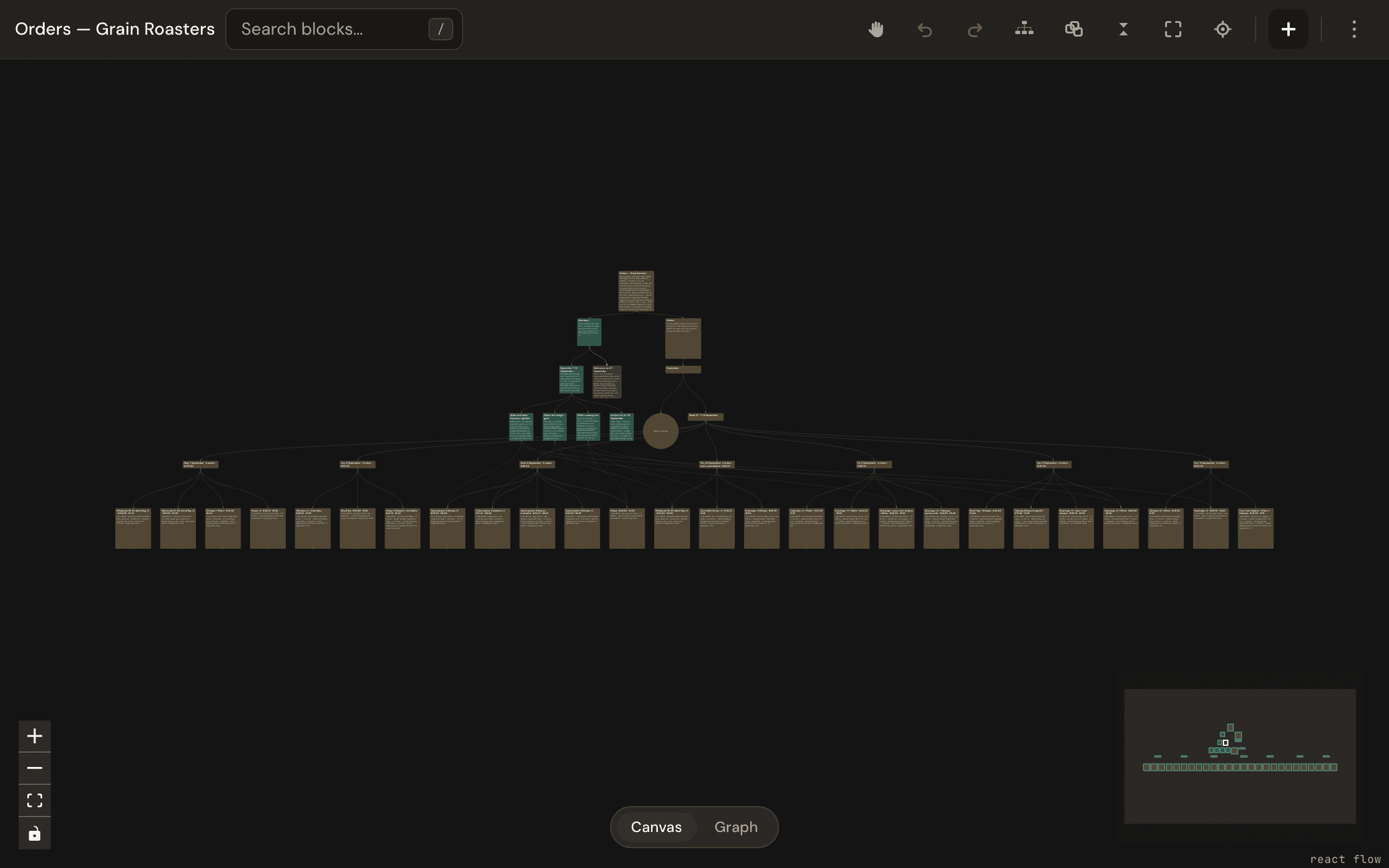
04Orders
A coffee roaster's orders, each under its day.
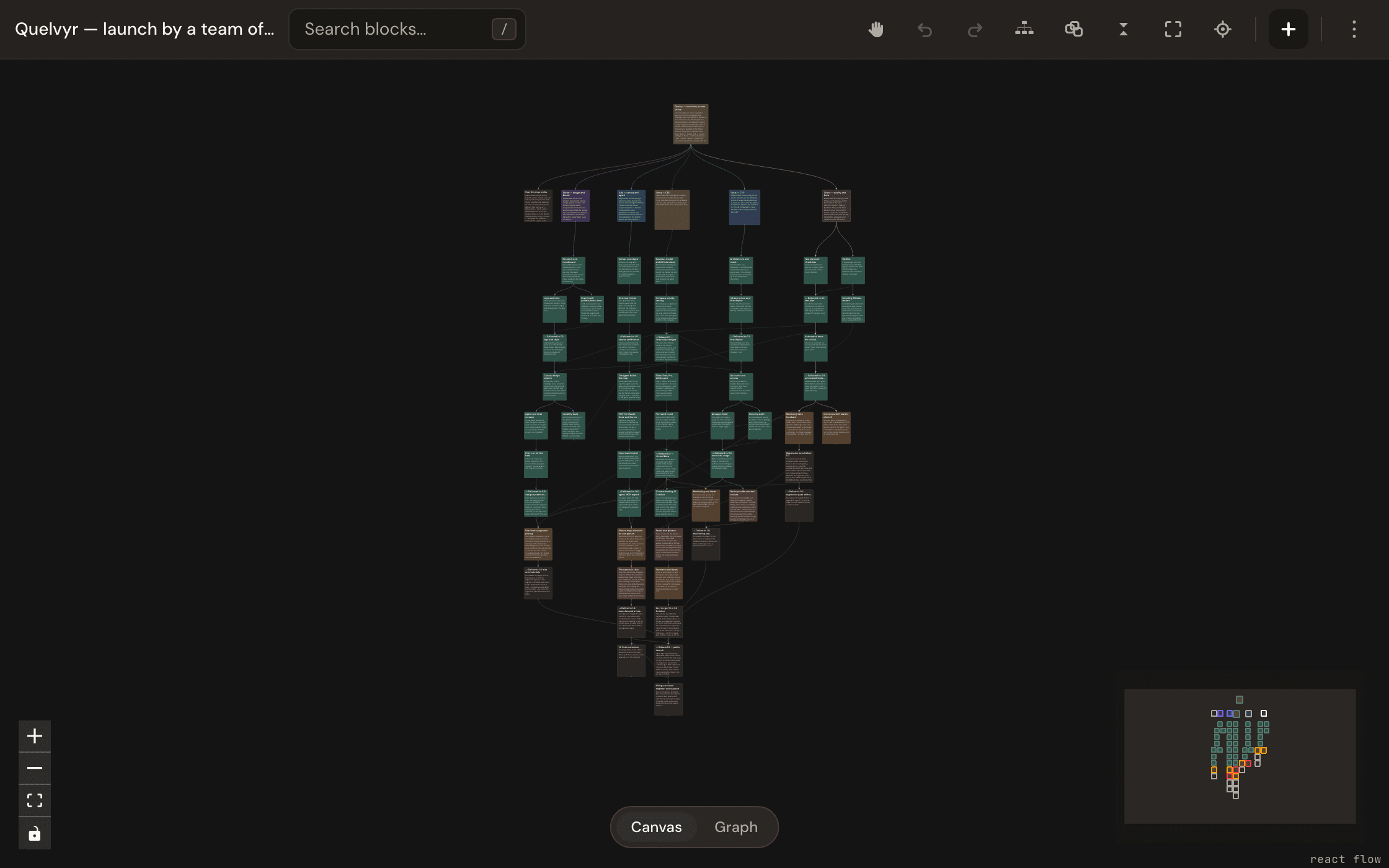
05Team
One launch, five people: you see all of it, each sees their part.
views
One map. Seven ways to hand it over.
Canvas
Your own layout, and maps inside maps.
Graph
The same map as a network of connections.
Document
Markdown, with numbered sections and cross-references.
PDF
Fonts embedded, ready to print or email.
Slides
A PowerPoint deck, one slide per block.
Link
Read-only, no account needed, gone when you delete it.
.mmap
A plain JSON file, for backups and your own scripts.
- Take it all away in one .mmap file — blocks, connections, layout. On the free plan too.
Start free.
- The free plan has the map's chat, MCP, the bot and 20 maps.
- Its AI allowance is how much AI work you can ask for this week: about 1,003 blocks the map's chat writes. Your own provider key leaves it untouched.
Your first sign-in adds starter maps for your line of work.
How is this different from Obsidian, Notion, or an AI mind-map generator?
What if I just ask Claude?
Do my notes go into the model?
From here — decide for yourself.